Mobile app
Work orders on the phone, for packages that include field service
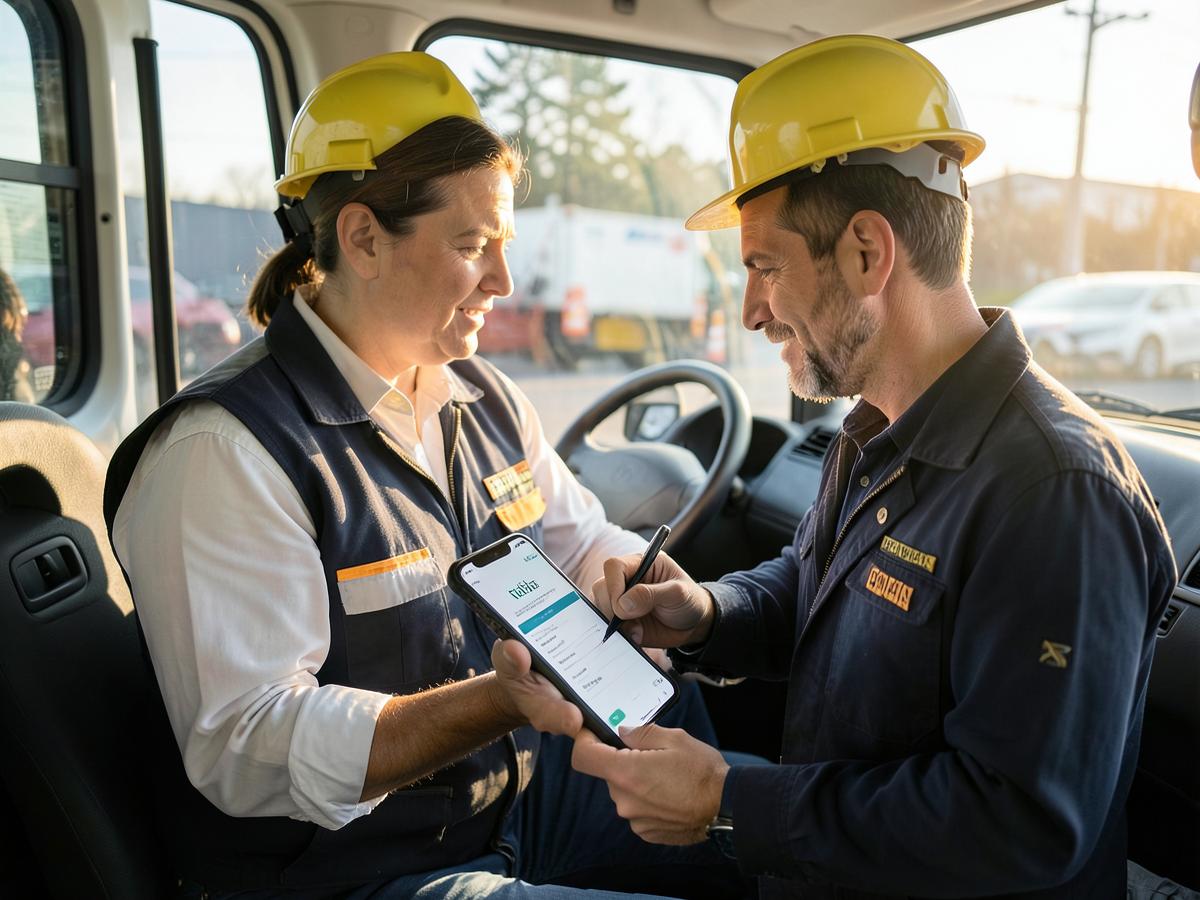
Professional and above can open jobs, record hours and materials, and save a typed signature name. The invoice is still created in the office.
 Austria
 Belgium
 Bulgaria
 Croatia
 Cyprus
 Czechia
 Denmark
 Estonia
 Finland
 France
 Germany
 Greece
 Hungary
 Ireland
 Italy
Italy Latvia
 Lithuania
 Luxembourg
 Malta
Malta Netherlands
 Poland
 Portugal
 Romania
 Slovakia
 Slovenia
 Spain
Spain Sweden
 United Arab Emirates
 Saudi Arabia
 Qatar
Qatar Bahrain
 Kuwait
 OmanAustriaBelgiumBulgariaCroatiaCyprusCzechiaDenmarkEstoniaFinlandFranceGermanyGreeceHungaryIrelandItalyLatviaLithuaniaLuxembourgMaltaNetherlandsPolandPortugalRomaniaSlovakiaSloveniaSpainSwedenUnited Arab EmiratesSaudi ArabiaQatarBahrainKuwaitOman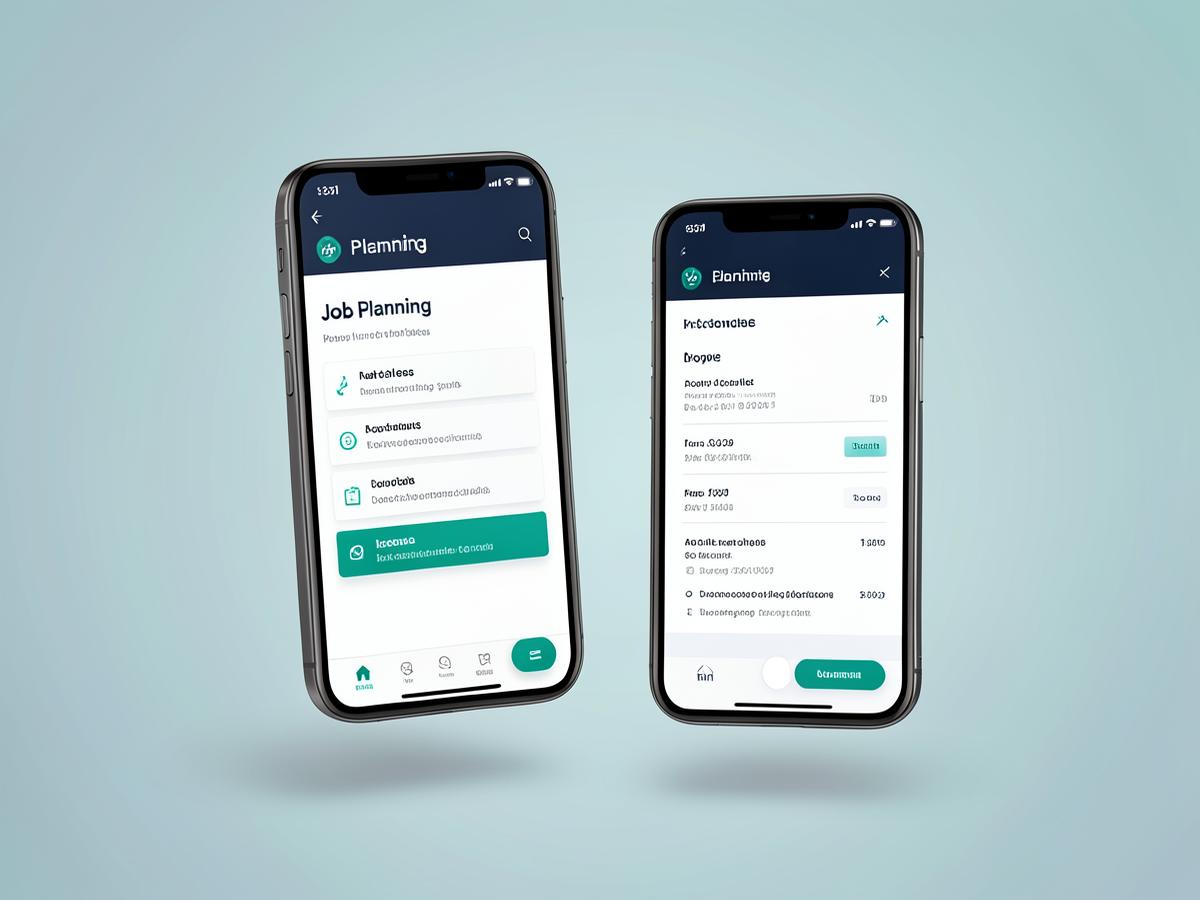
- Work orders require Professional, Business or Enterprise
- Record hours and materials on the job
- A typed signature name is stored. Photos and drawn signatures are not
- An empty later completion keeps the signature name already saved
- Completing the job does not create an invoice
- Today, Upcoming and Completed filters on the job list
- The phone uses the interface language. Documents keep the tenant document language
- Offline sync is not included
What the phone screens do
These are the phone screens. Older pictures of a fingerprint button, a generated reply, and a scanned receipt are not shown. Suggested replies, receipt scanning, barcode scanning and payslip PDFs are not included.
Employee sign-in
Work email and password. There is no PIN and no fingerprint.
Today at a glance
Jobs, hours and expenses the signed-in role can open.
My jobs
Scheduled work orders with the stored address and time.
Work order
Hours, materials and a typed signature name. Photos are not stored. Completing the job does not create an invoice.
Time & attendance
Attendance saved for the day.
Expenses with receipt scan
Expense amounts you type. A receipt photo is not read.
Shared inbox
Stored WhatsApp threads. No suggested reply is generated, and a message is not sent until Cloud API tokens exist.
Customers
Customer records the signed-in role can open.
Van stock
Quantities on hand. Barcode scanning is not configured.
Approvals
Submitted expenses and pending leave. Quotes and timesheets are not in this list.
Leave
Leave requests stored for this workspace.
Payslips
Posted payroll rows. No payslip PDF is created.
Permission-aware menu
The menu follows the signed-in role.
Built with field crews
Hours and materials stay on the work order. Completing the job does not create an invoice.